
This guide will show you how to use MultiPHP Manager.
MultiPHP Manager let you select PHP version as per Domain.
Go to Webuzo Enduser Panel > Configuration >MultiPHP Manager
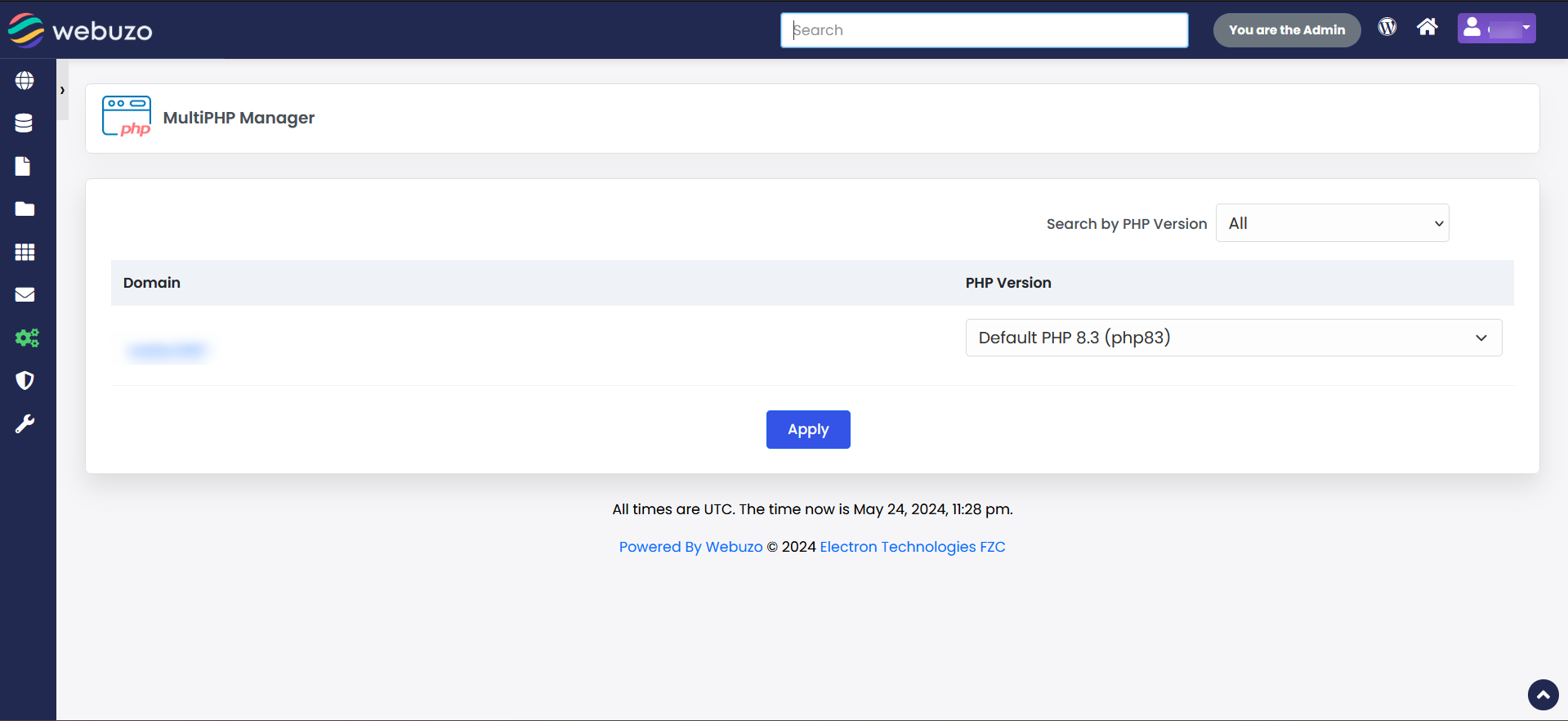
You can select PHP versions for any domains from the dropdown list.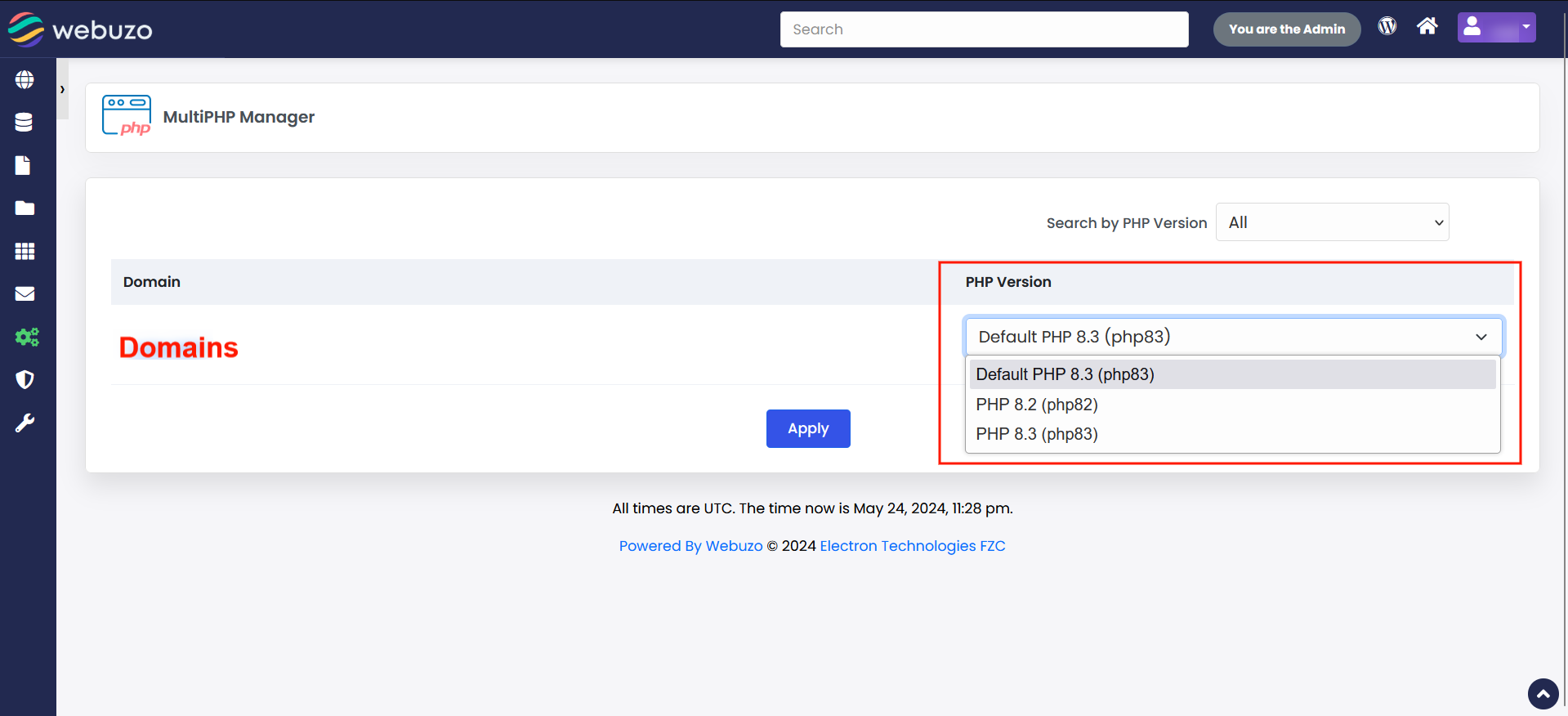
Select the version you want to use and click on Apply, it will set the PHP version to that particular domain.
If you want to use the default version of PHP then you can select default PHP as shown in the above screenshot.