Overview
This guide will help you Block/Unblock IPs and restrict access.
IP address blocking prevents connection between server or a website and certain IP's. IP address blocking effectively bans undesired connection from hosts using effective addresses to a Website, Mailserver or the Internet server.
Webuzo Effectively allows you to Block/Unblock IP addresses from its Enduser panel.
Block IP's
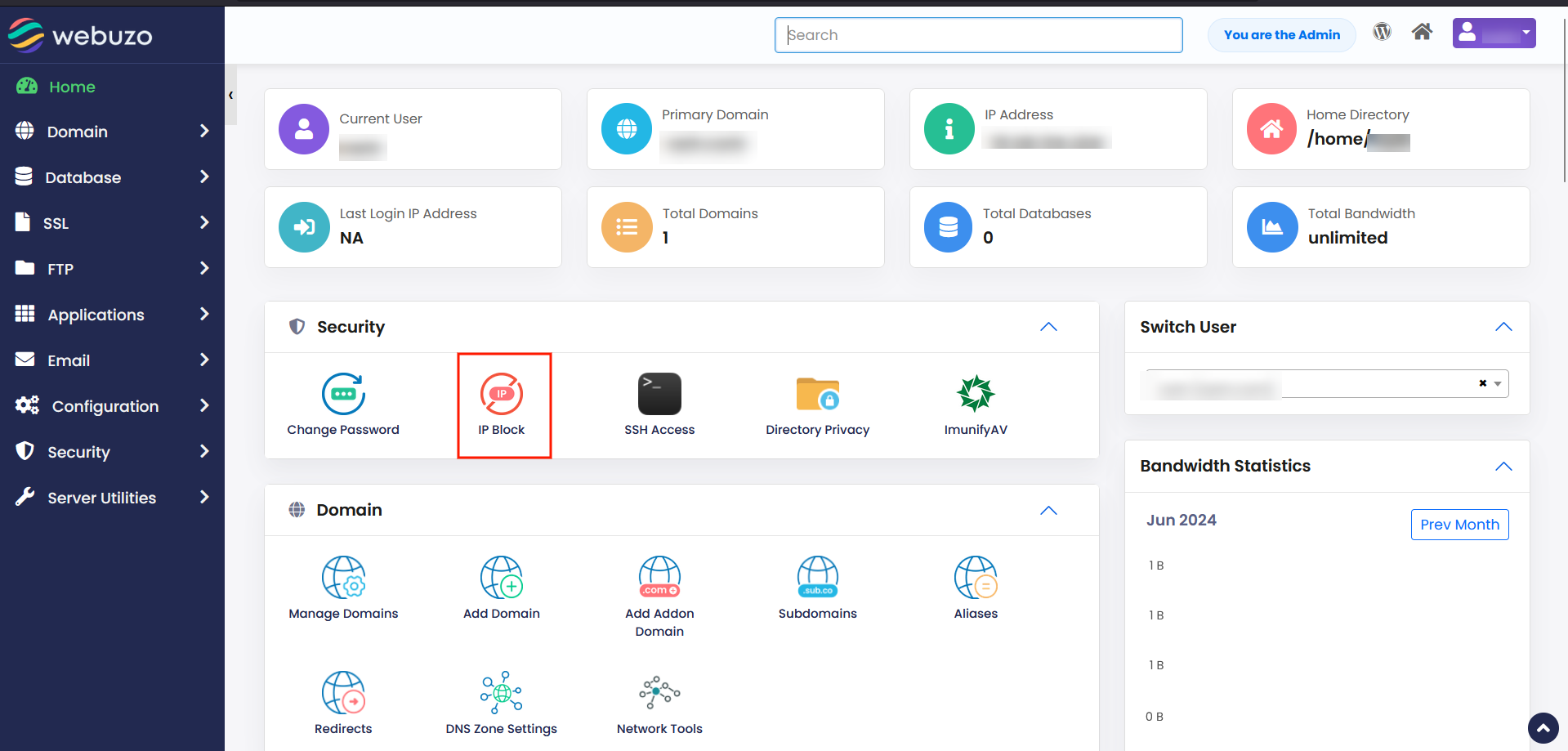
Click on IP Block from the Security Section.
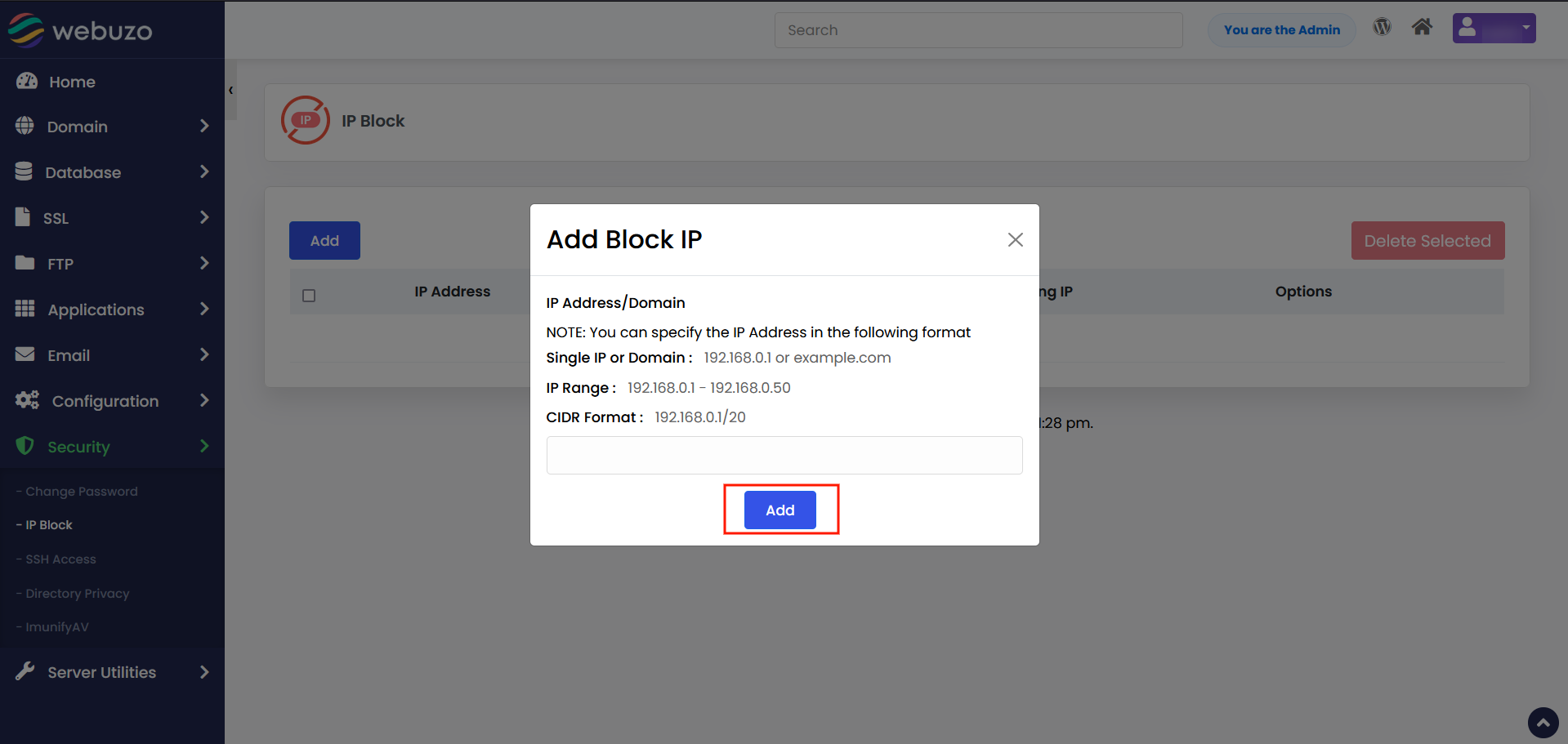
Add the IPs you want to Block and hit Add.
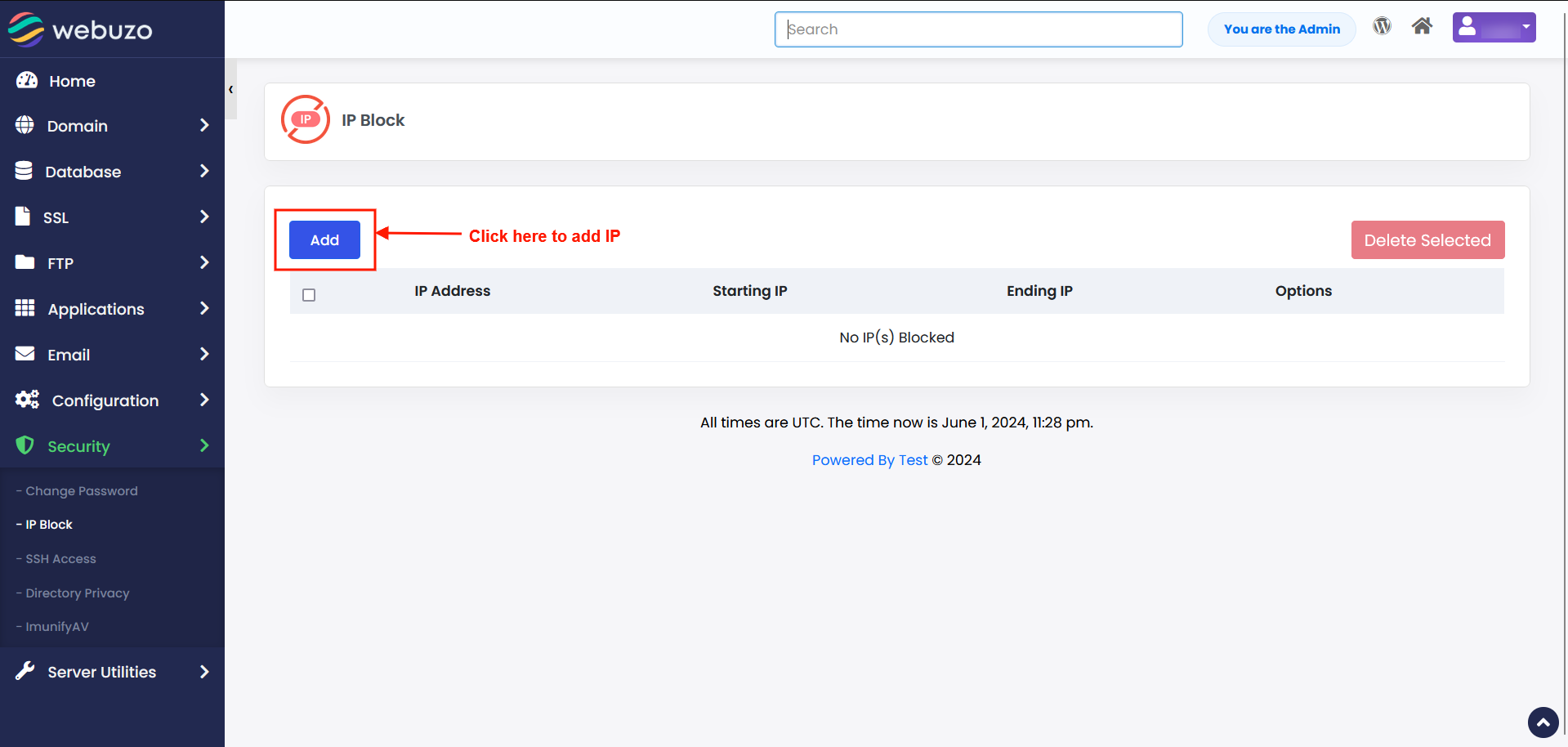
A success message will pop-up once the IPs are added to the block list.
Formats types
- CIDR Block (e.g.: 10.5.3.3/32)
- IP Range (e.g.: 10.5.3.3-10.5.3.40)
- Single IP (e.g.: 10.5.3.3)
- Domain name
unblocking an IP
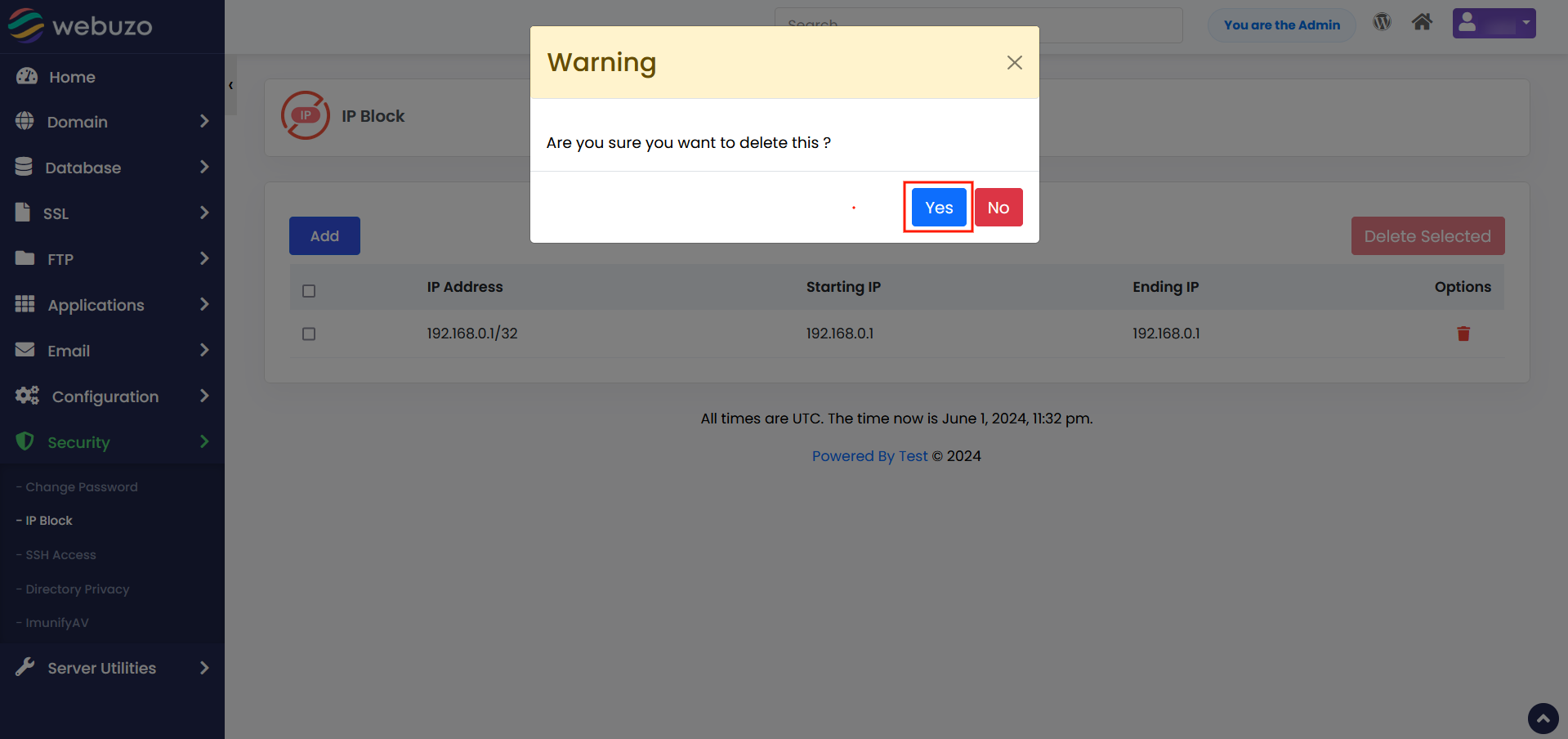
Click on Delete icon inline to the IPs you want to unblock.
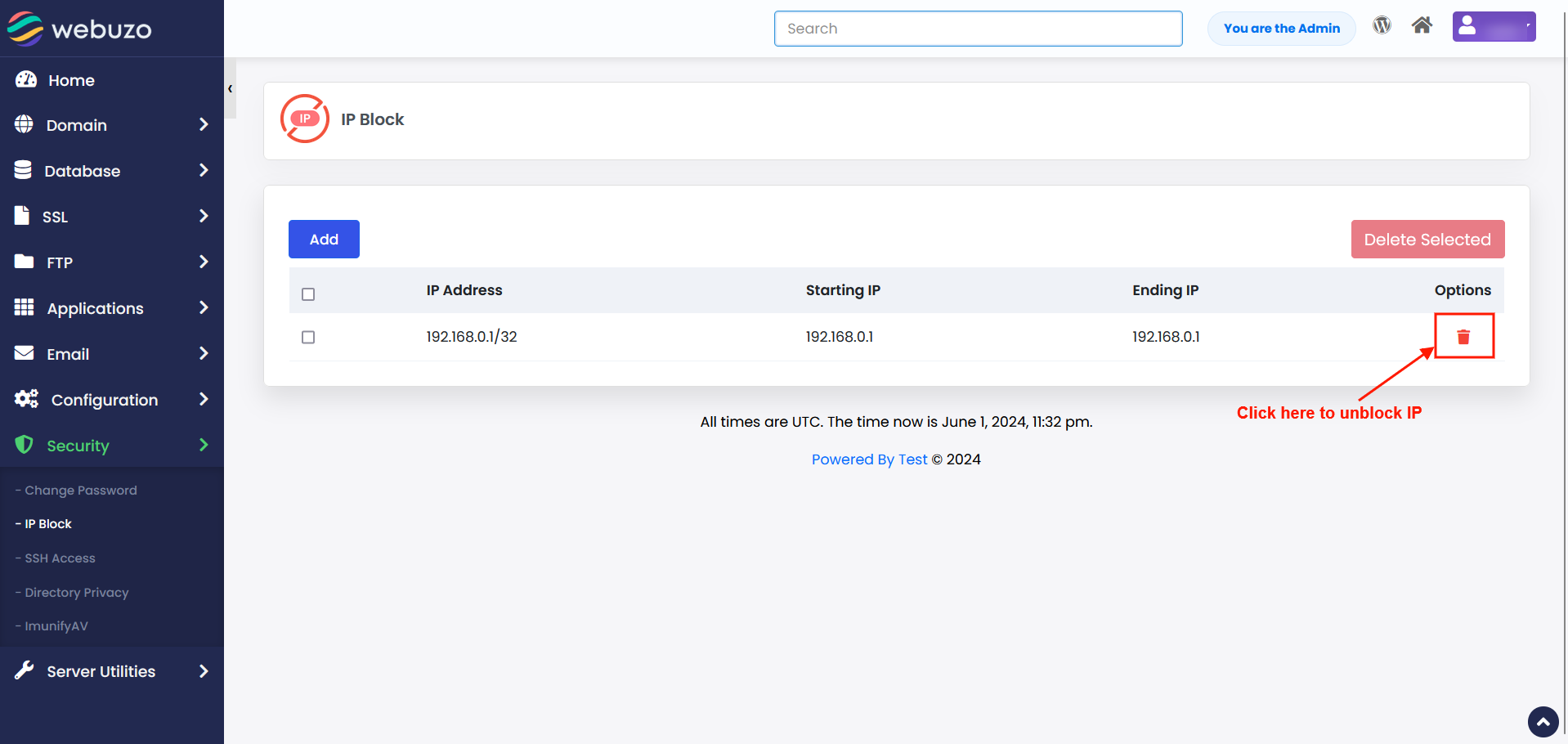
You will be prompted to confirm your deletion.
Hit YES. That's it you have successfully unblocked the IP.