
Overview
This guide shows you how to Add / Delete Password Protected Directory.
Procedure
You can Add a Password Protected Directory from your Webuzo Enduser Panel > Security > Directory Privacy
Screenshot : Directory Privacy
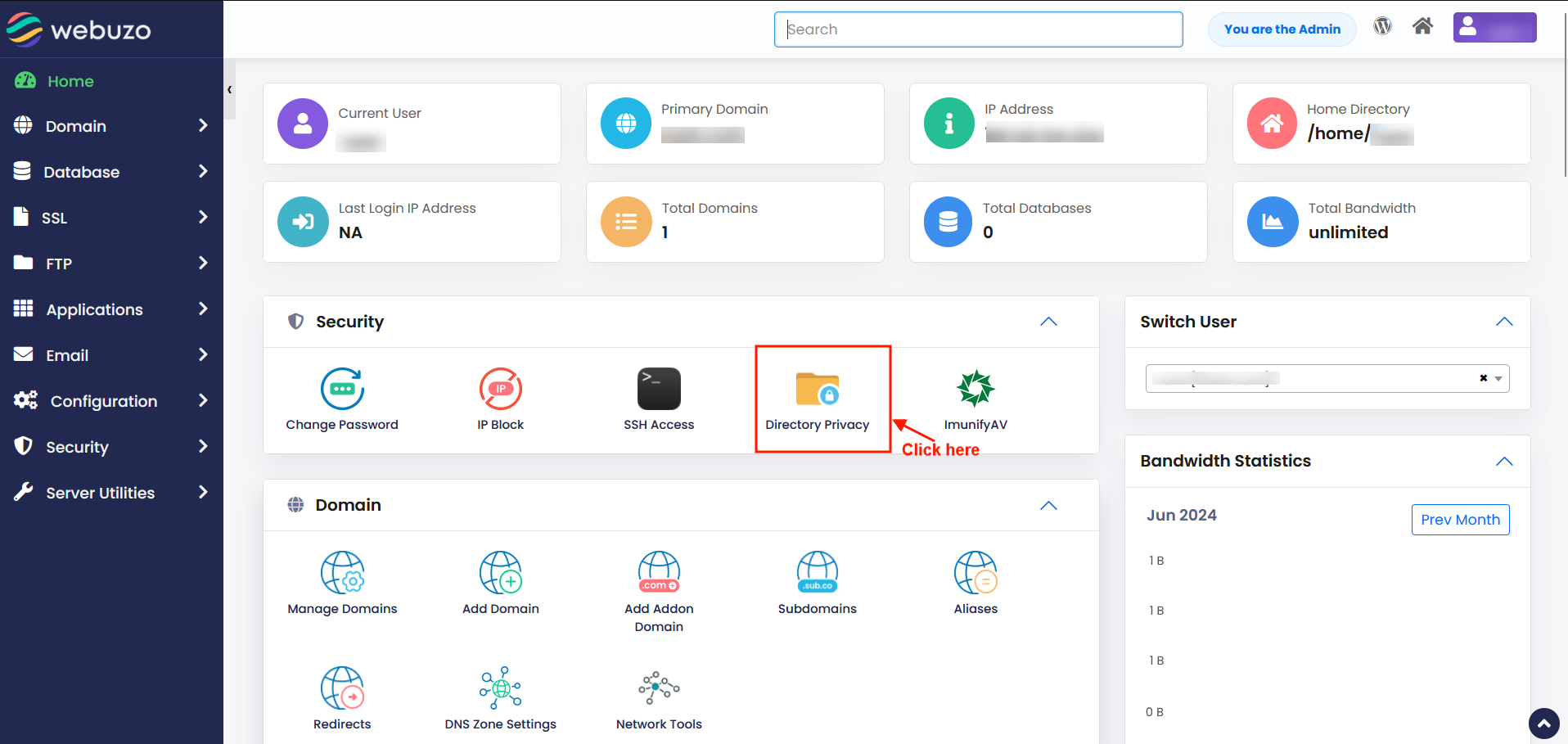
STEPS:
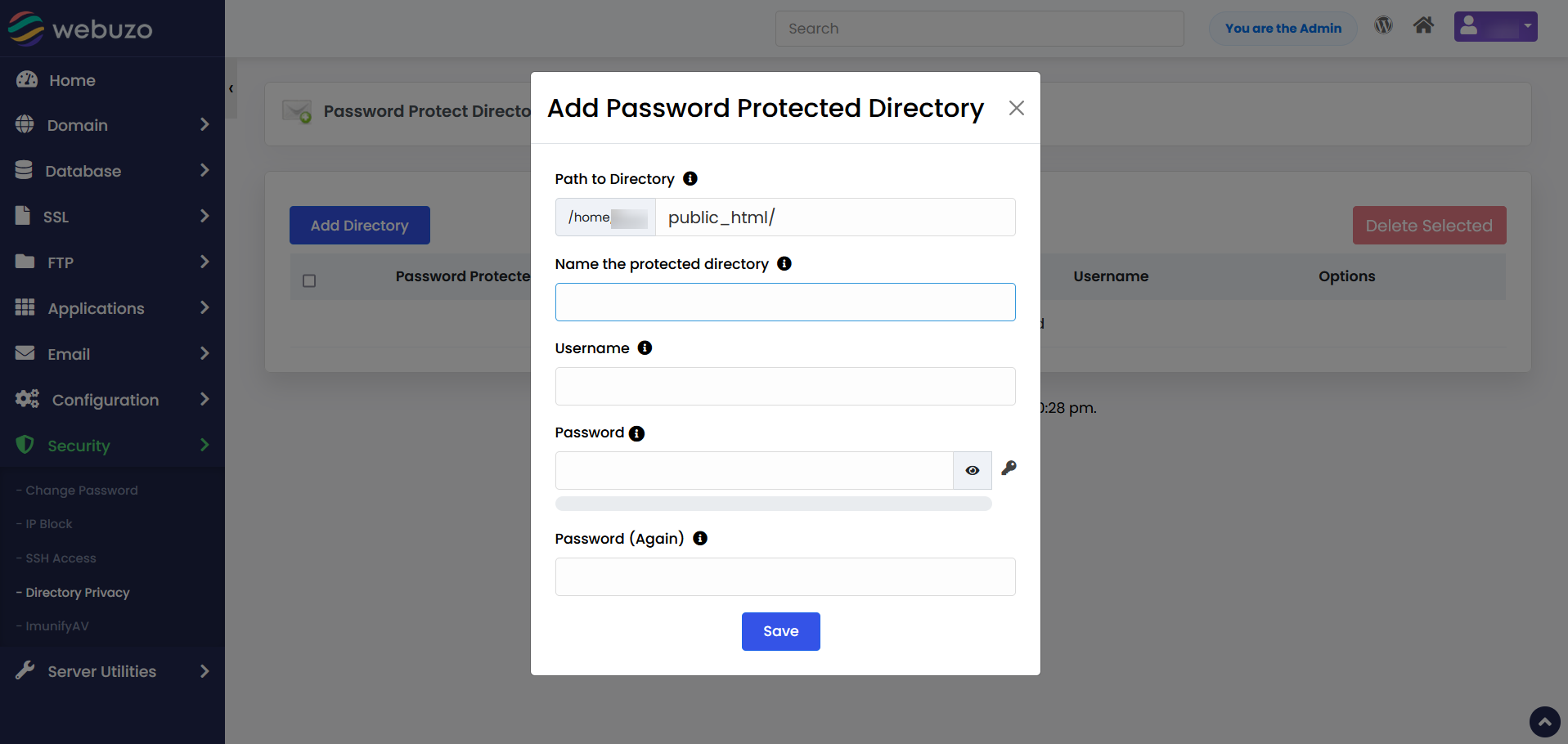
1) Populate the Fields and Click Save to ADD a Password Protected Directory User.
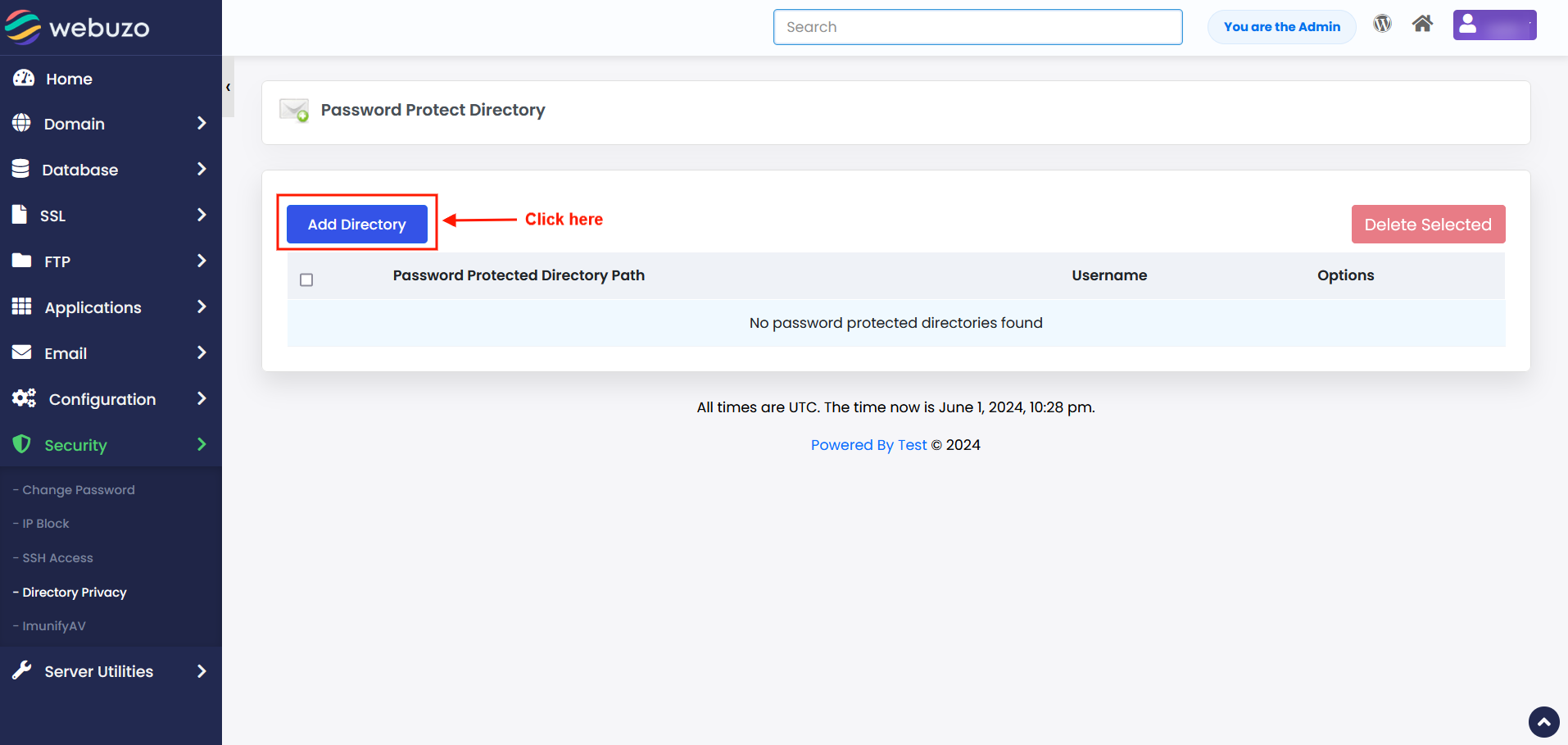
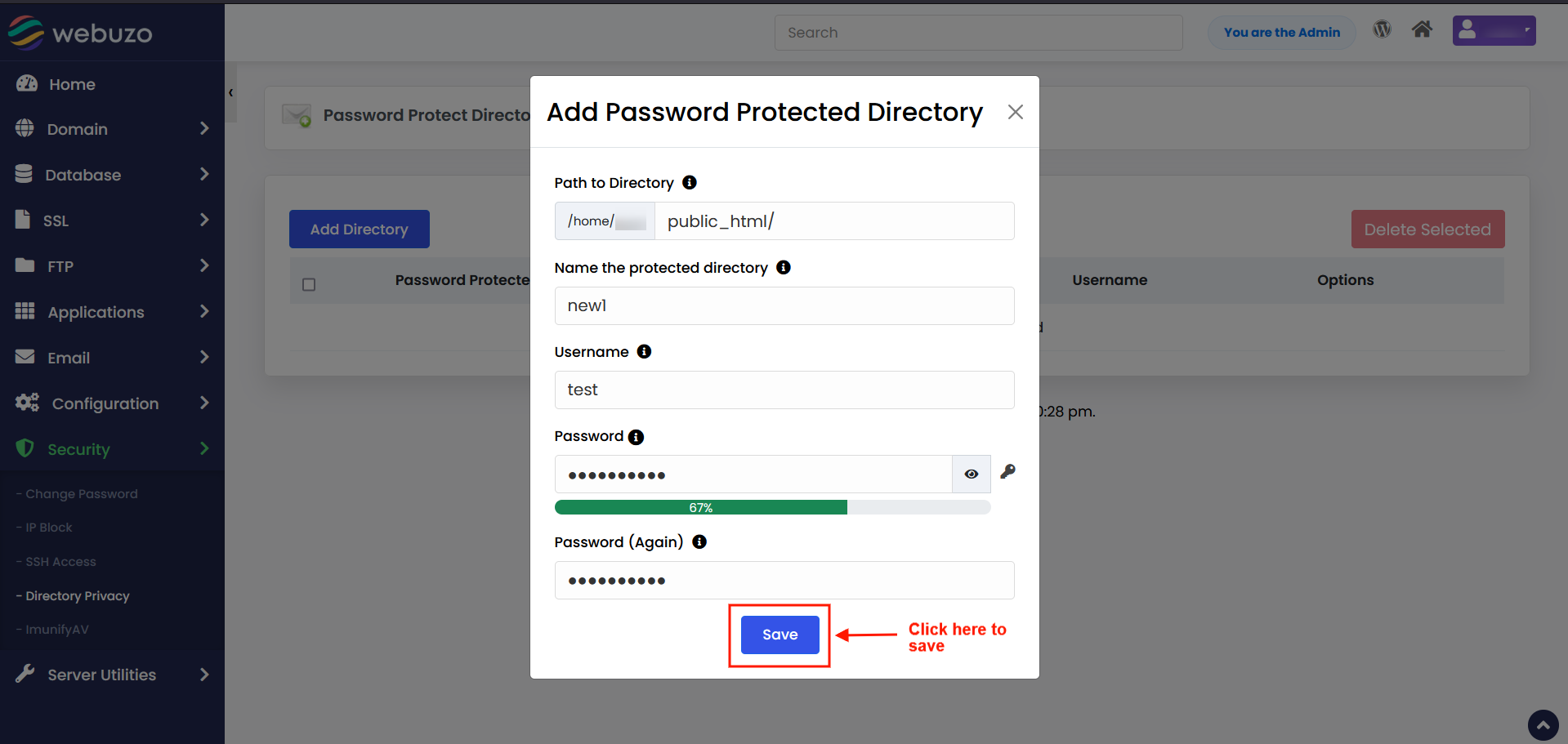
2) Click on Save to see a success message like this.
That's it!!!
Required Inputs
- Path to Directory - Specify the path to password protect relative to your user directory. For e.g public_html/test_path.
- Name the protected directory - Alias name for the Password Protected Directory.
- Username - Username for the Password Protected Directory.
- Password - Password for the Password Protected Directory (Minimum 5 characters long)
- Password (Again) - Confirm Password for the Password Protected Directory.
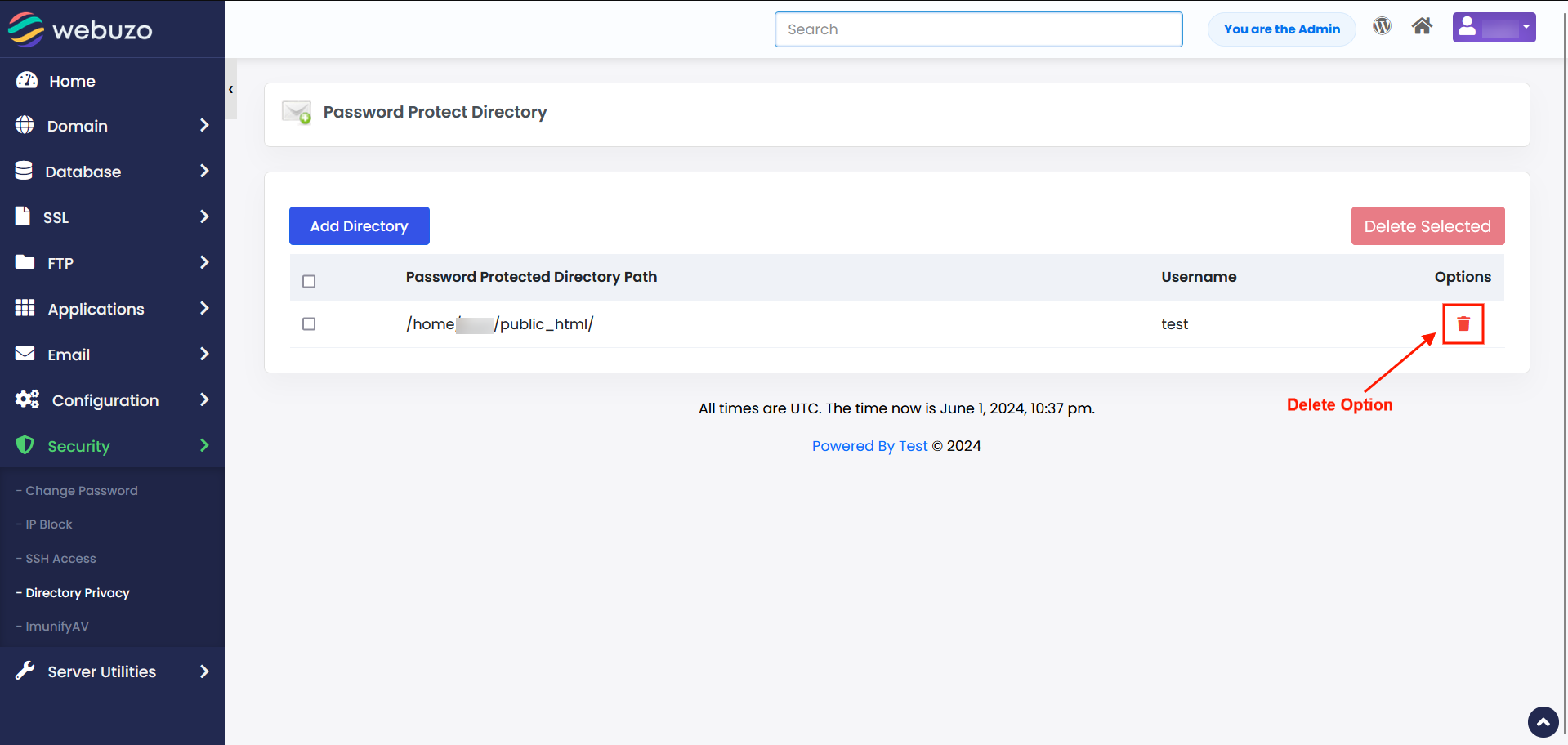
Delete User
Click on the Delete Icon inline to the user you wish to delete and confirm the same.
Simple !!!