
Overview
This guide shows you how to manage domains, add sub-domains and domain aliases
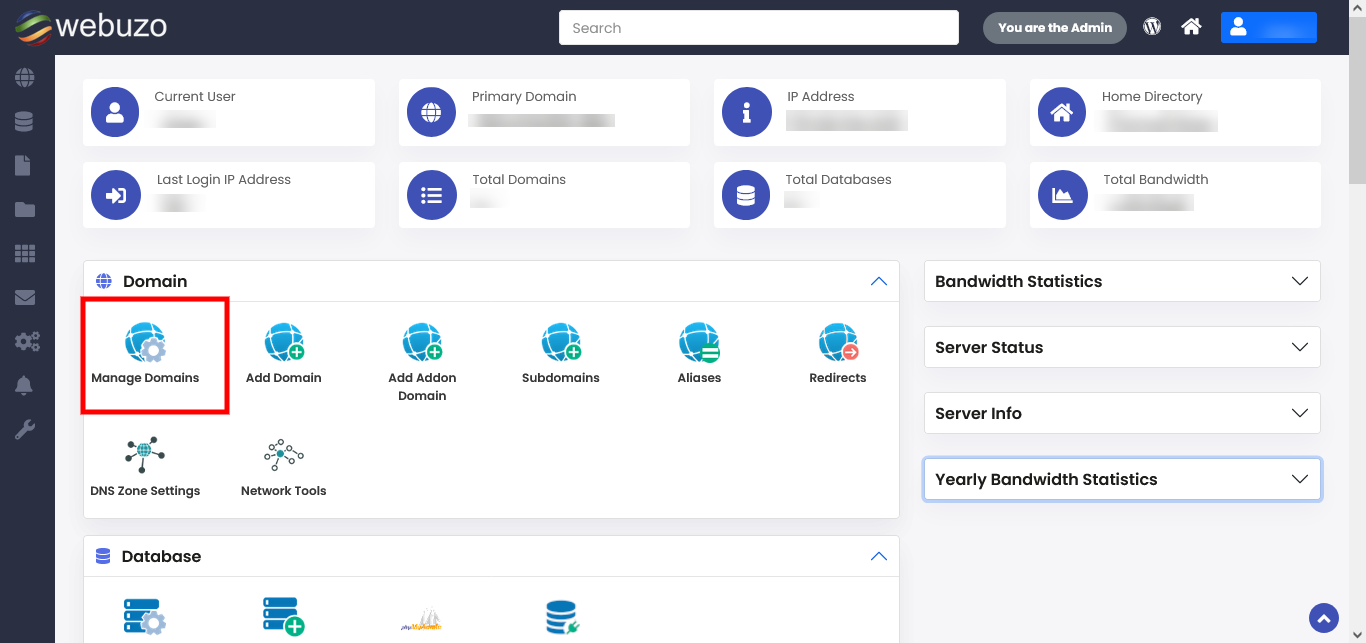
You can manage your domain here :
Webuzo allows user to manage all the domains at a single point.
Click on the domain name to access and test it's working.
You can manage your domain here :
Webuzo allows user to manage all the domains at a single point.
Click on the domain name to access and test it's working.