
Overview
This guide shows you how to Delete Domains / Sub-Domains / Addon Domain and Domain Aliases
Procedure
You can Delete a Domain/ Sub-domain / Addon / Alias from your Webuzo Enduser Panel > Domain > Manage Domain
Screenshot : Manage Domain
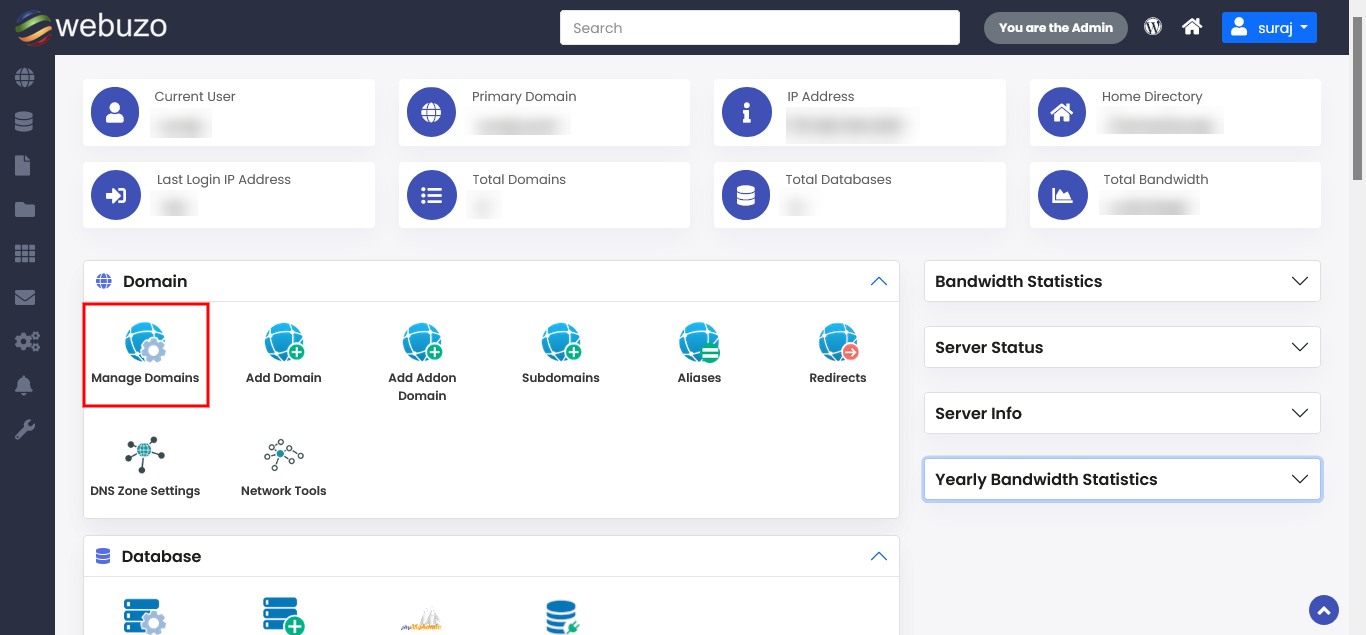
Delete Domain
STEPS : Webuzo allows users to delete their domain/subdomain/Addon domain/aliases easily at any point of time.
To Delete your domain/subdomain/Addon domain just click on icon shown to you in the image below.
- Confirm the Deletion.
That's it.