
overview
This guide shows you how to Add Aliases
Domain aliases refer to additional domain names that are associated with domain.
When a user accesses a domain alias in their web browser, the alias will serve the content of the associated domain.
Procedure
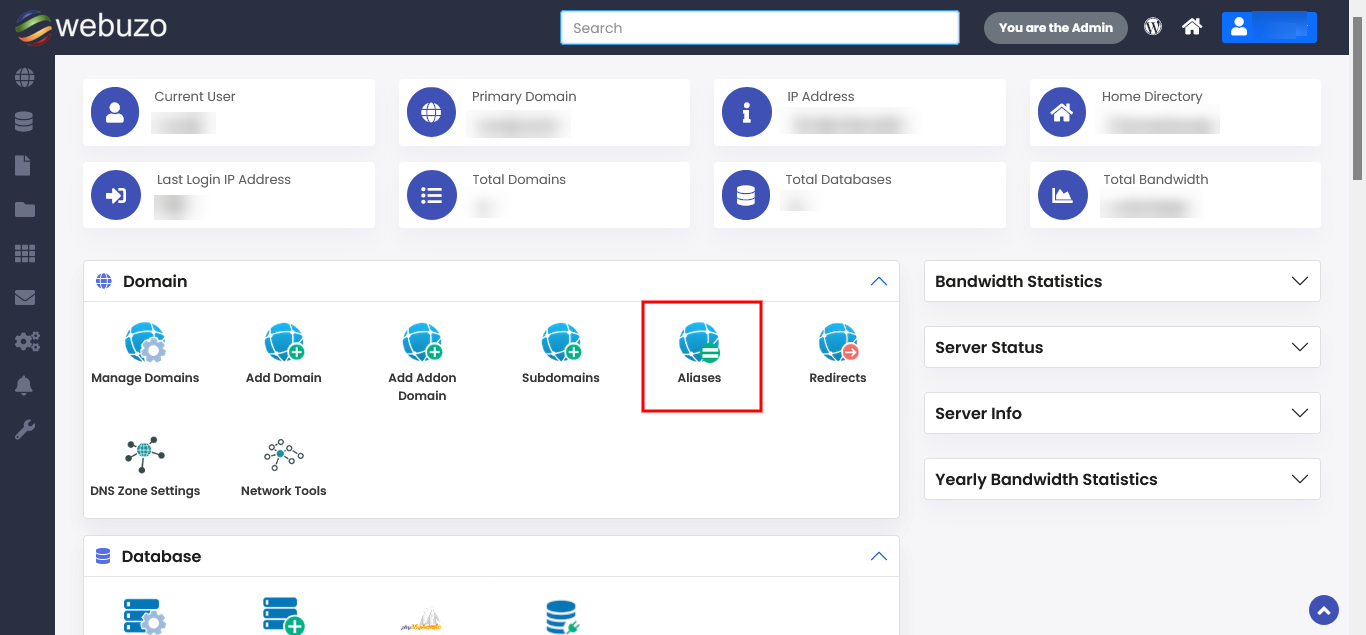
You can add Aliases from your Webuzo Enduser Panel > Domain > Aliases
Screenshot : Aliases
Add Aliases
Click to Add New Aliases
Then click on Add Alias.