
Overview
This guide will show you how to Edit an MX Record.
Procedure
You can Edit an MX Record from your Webuzo Enduser Panel > Email > MX Entry
Screenshot: MX Record
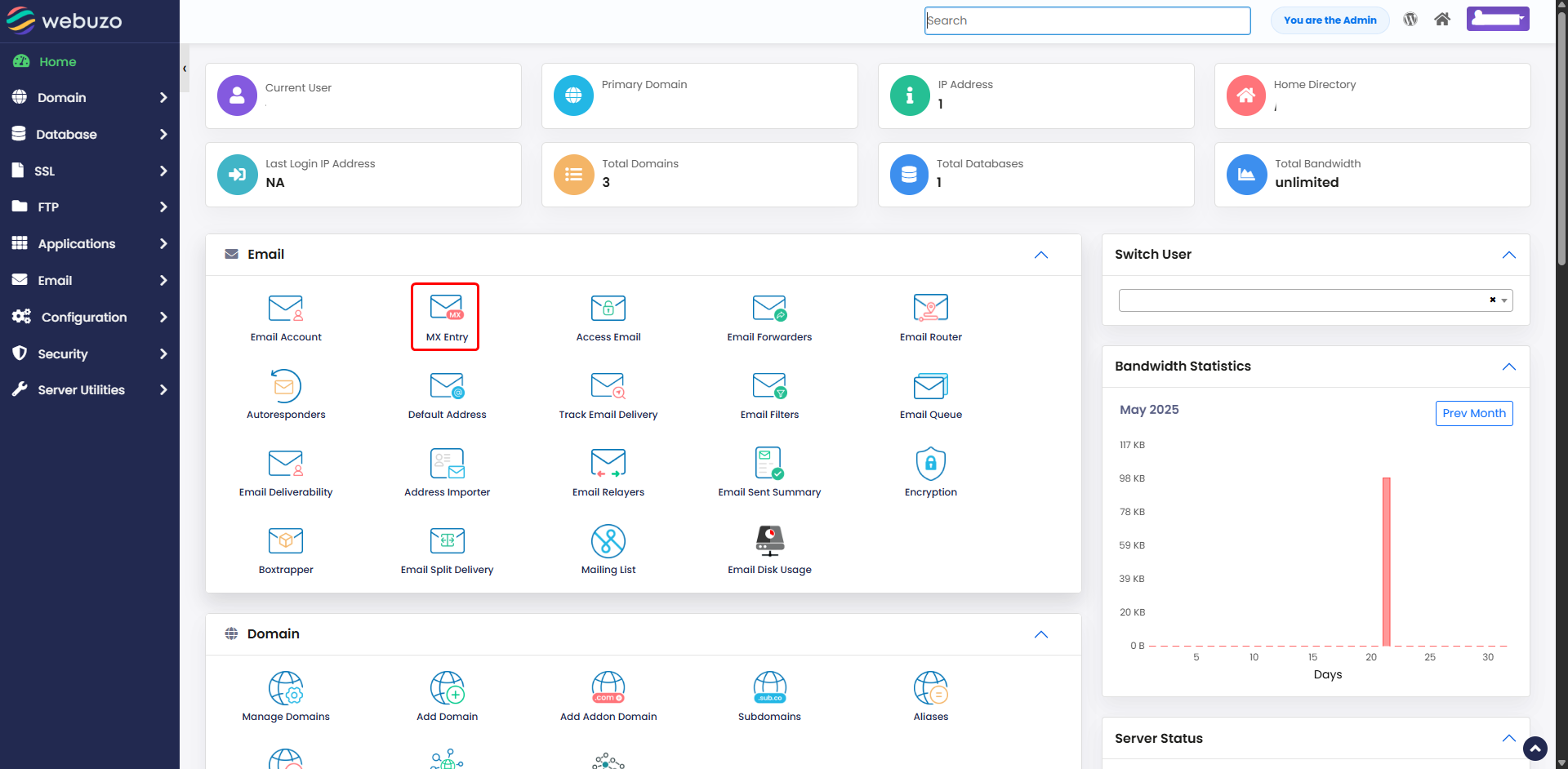
STEPS:
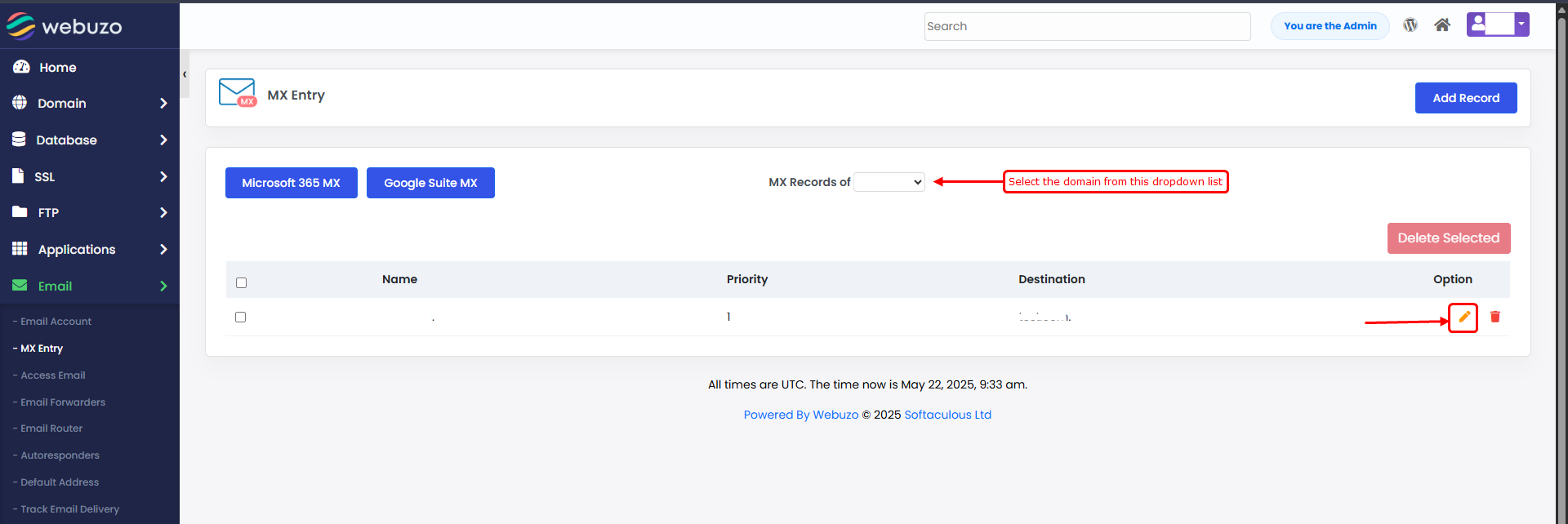
- Select the Domain to Edit the MX Record.
- Click on the Edit icon to edit any of the MX Records.
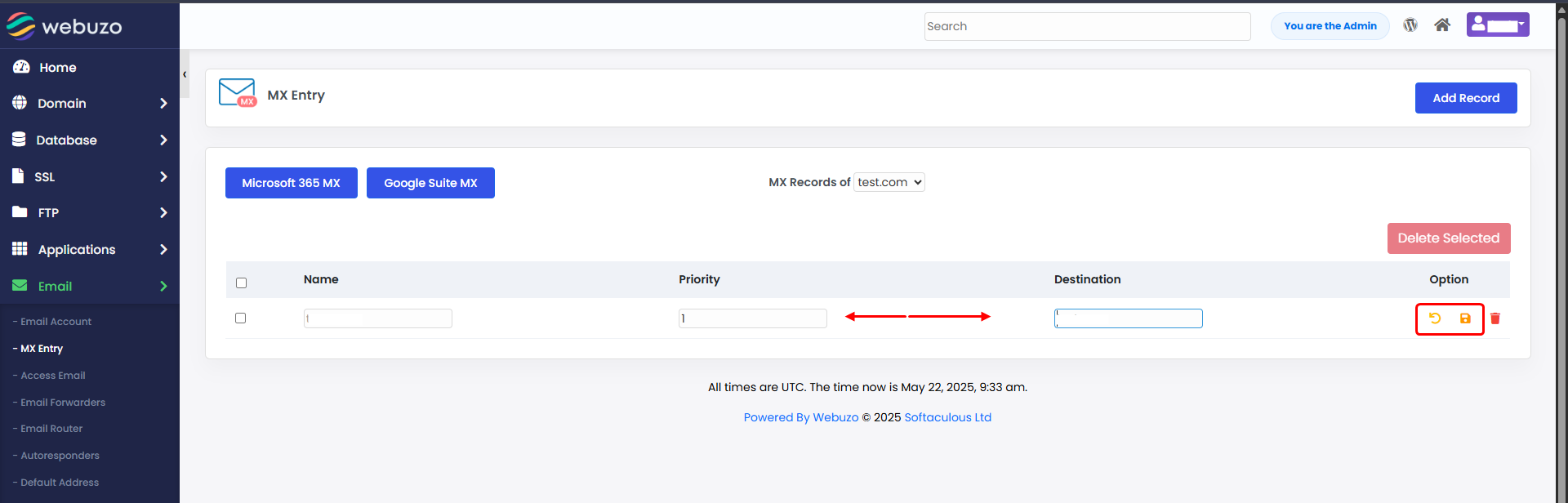
Make the necessary changes and Click Save icon
Required Inputs
- Priority - Specify the MX Record Priority.
- Destination - Specify the Destination pointing to the specified domain.