
Overview
Email filters assess incoming emails for spam content They look at known trigger words, spoofed IP addresses, and suspicious links to identify spam.
You can Edit Email filter from Webuzo User Panel > Email > Email Filters.
Edit Email Filter
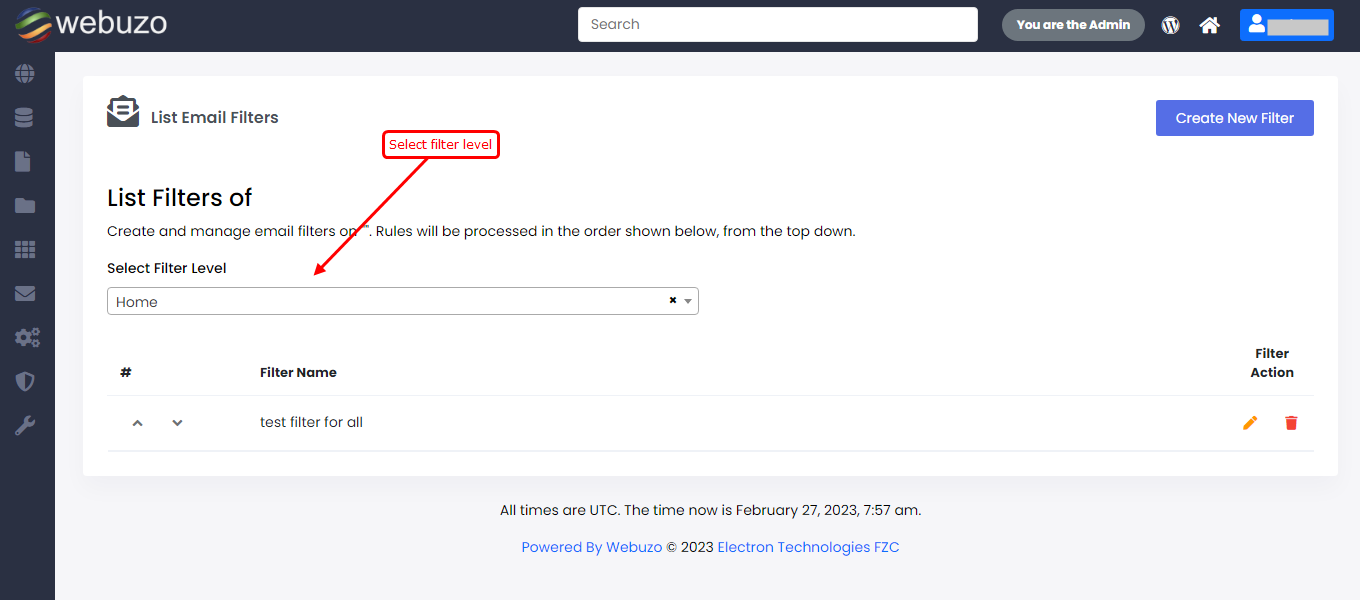
Select Filter level of mail, that you want to edit.
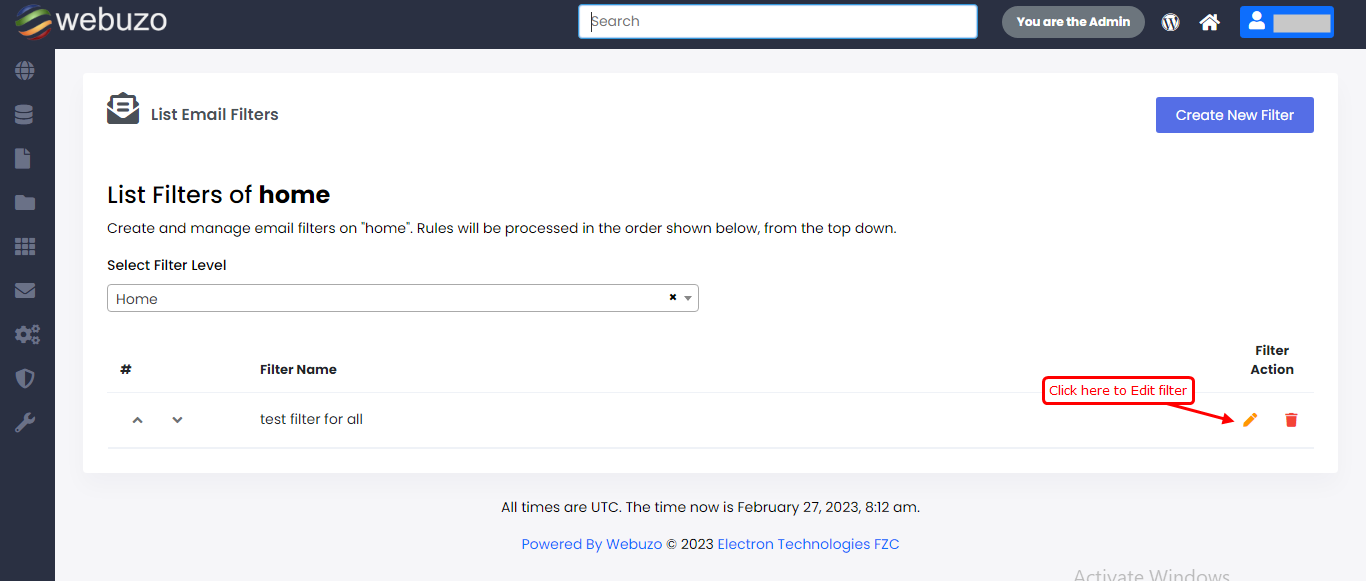
Manage filter screen will appear,
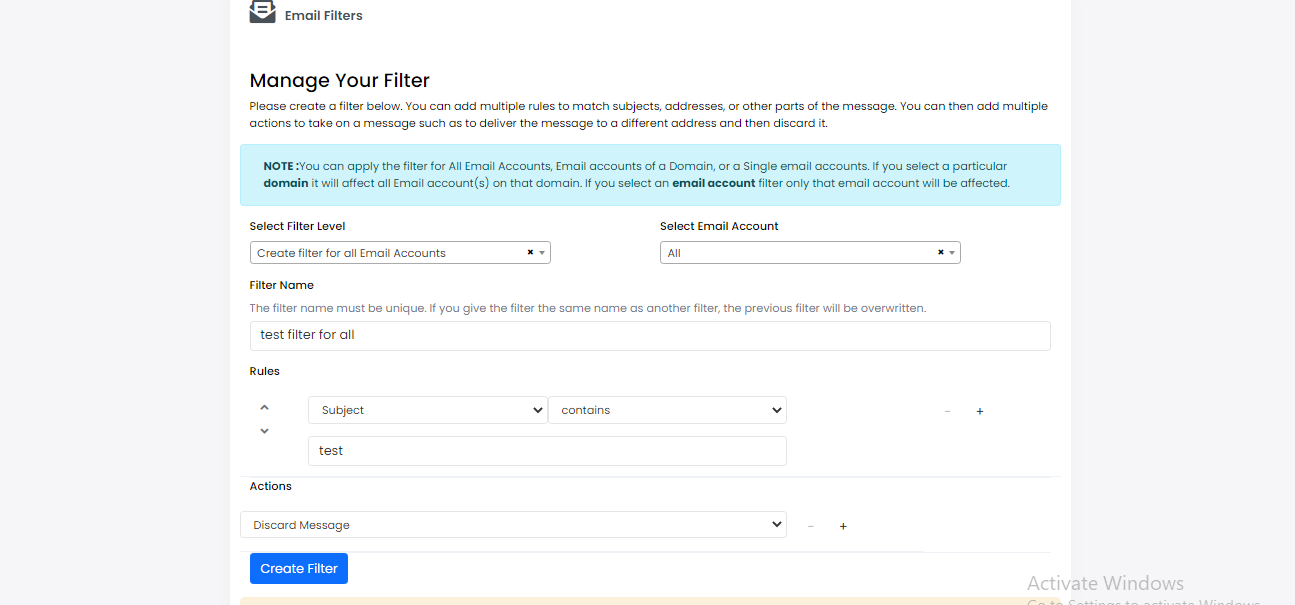
Edit filter as per requirement, follow Create Email Filter Document if you want assistance for Edit rules and actions.