
Overview
This guide will show you how to add an MX Record.
What is MX Record?
A mail exchanger record (MX record) is a type of resource record in the Domain Name System that specifies a mail server responsible for accepting email messages on behalf of a recipient's domain, and a preference value used to prioritize mail delivery if multiple mail servers are available.
Procedure
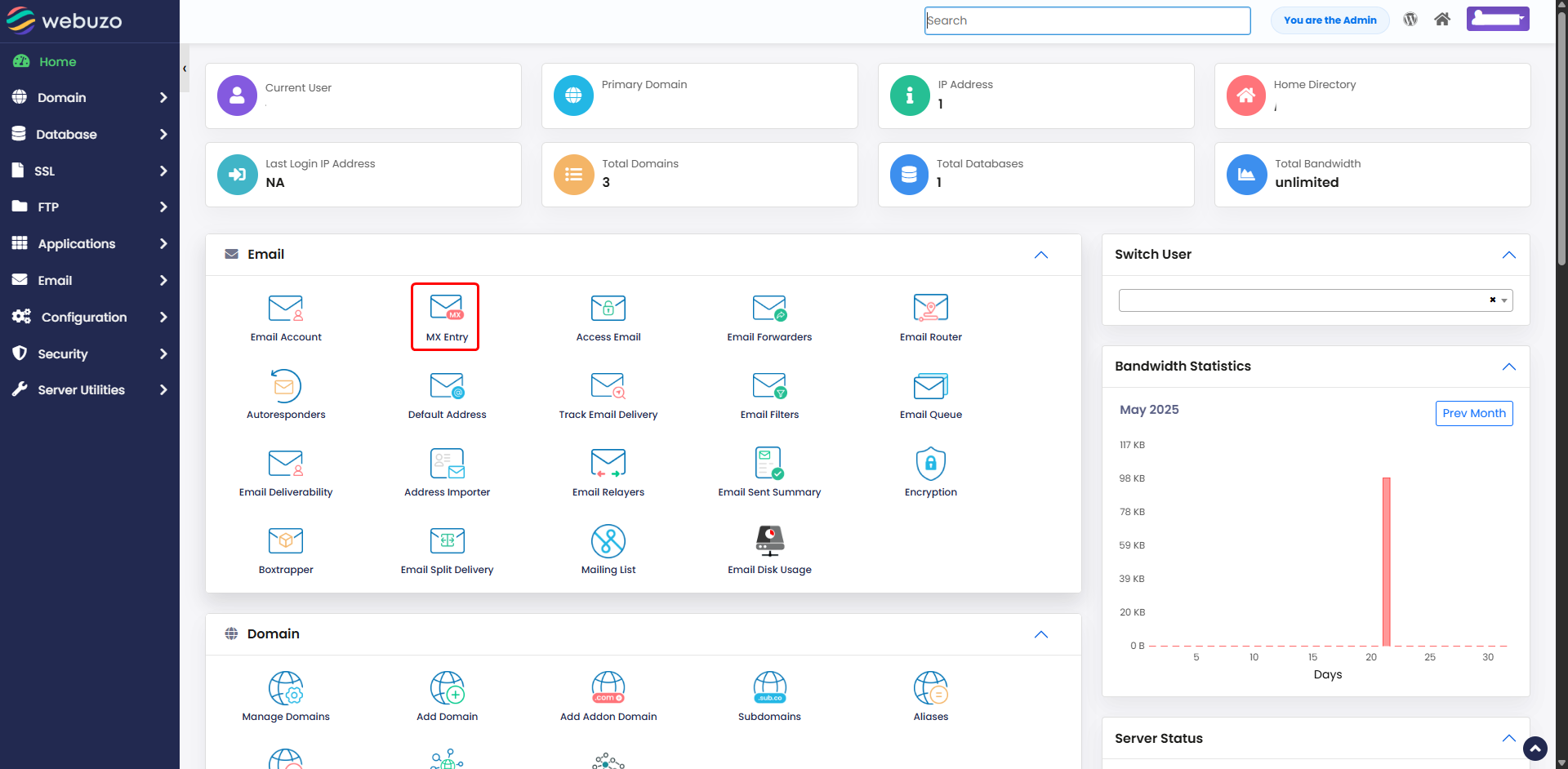
You can add an MX Record from your Webuzo Enduser Panel > Email > MX Entry
Screenshot : MX Entry
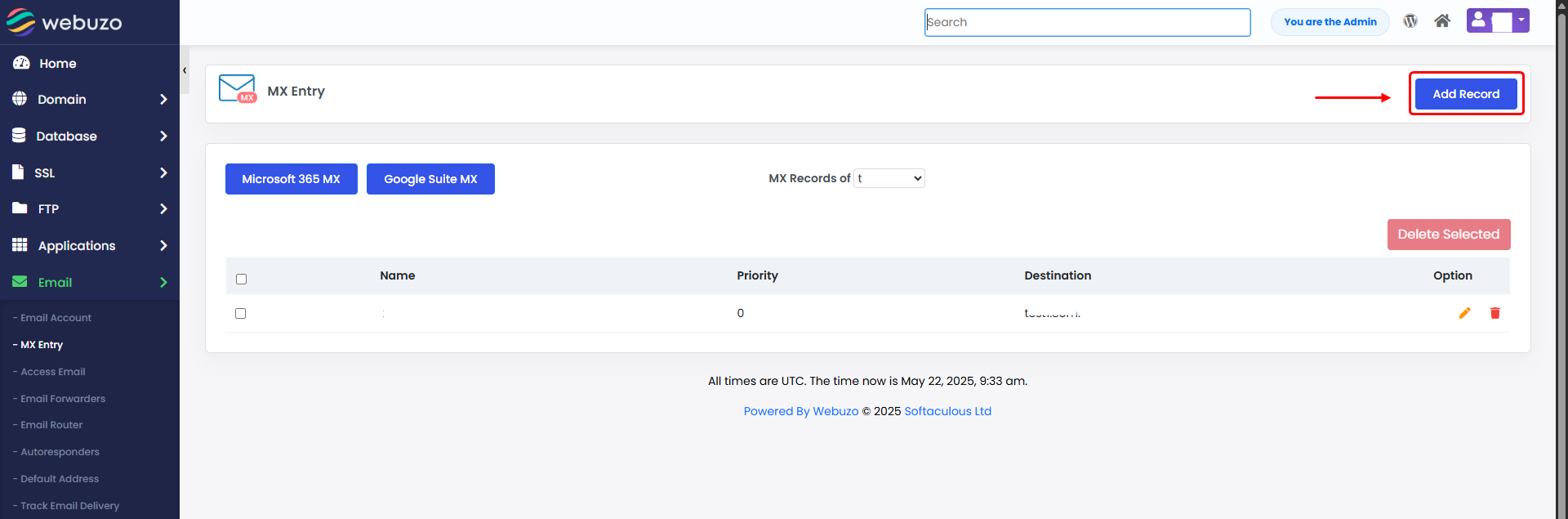
Click on Add Record.
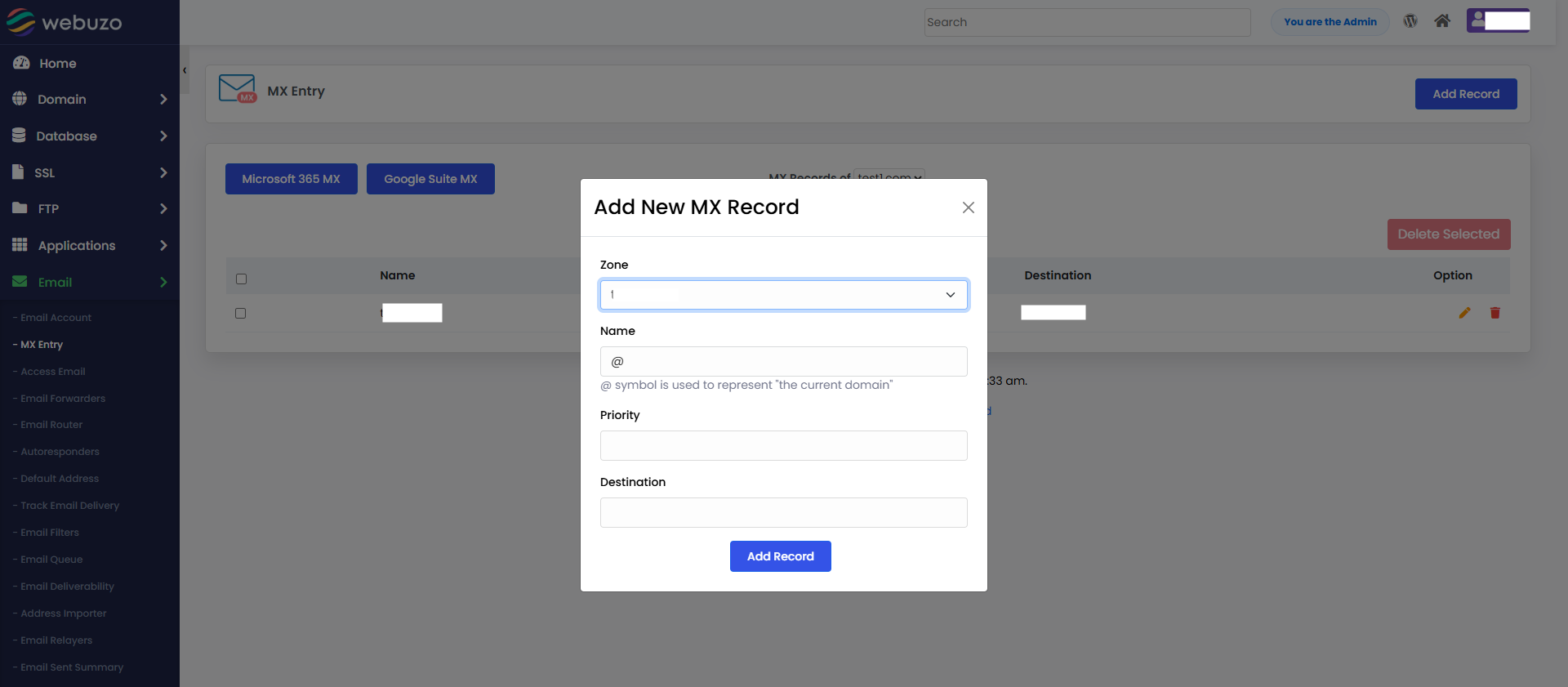
Populate the fields and click Add Record to add an MX record.
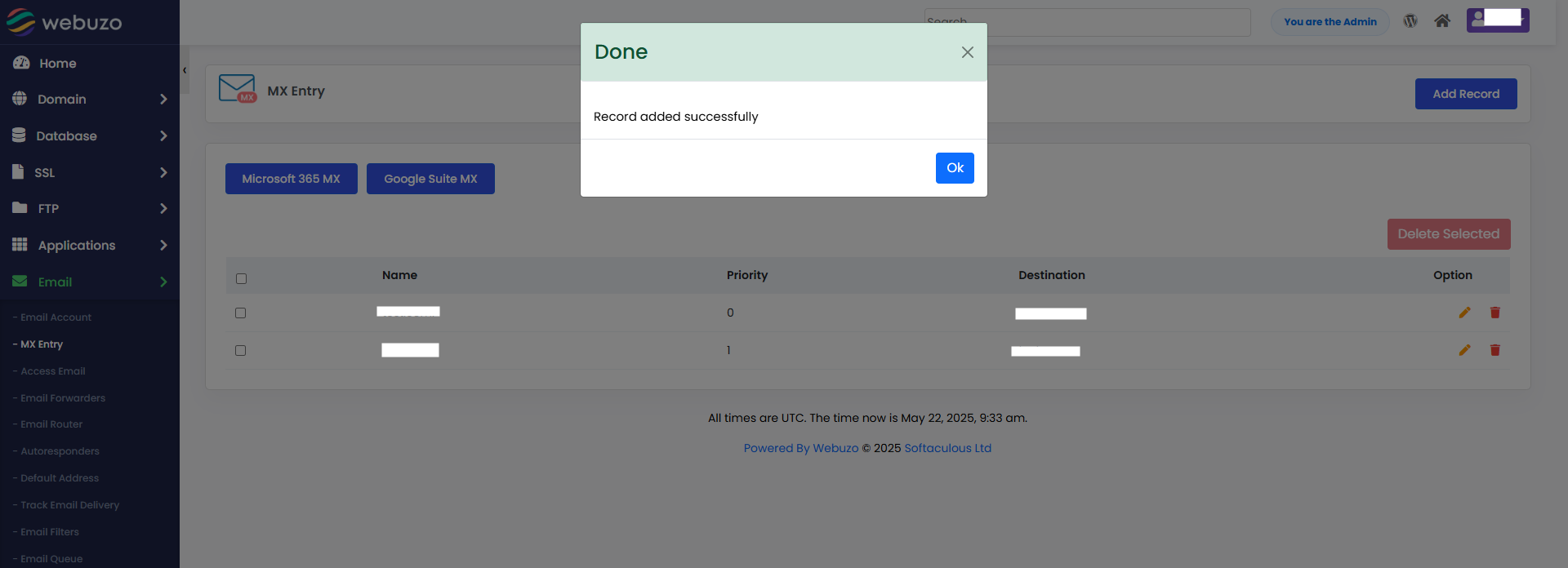
You will see success pop up like this
Required Inputs
- Domain - MX Record to be created for the selected domain.
- Priority - Specify the MX Record Priority.
- Destination - Specify the Destination pointing to the specified domain.