
Overview
This guide shows you how to Add an FTP User.
Procedure
You can Add a FTP User from your Webuzo Enduser Panel > FTP > ADD FTP Account
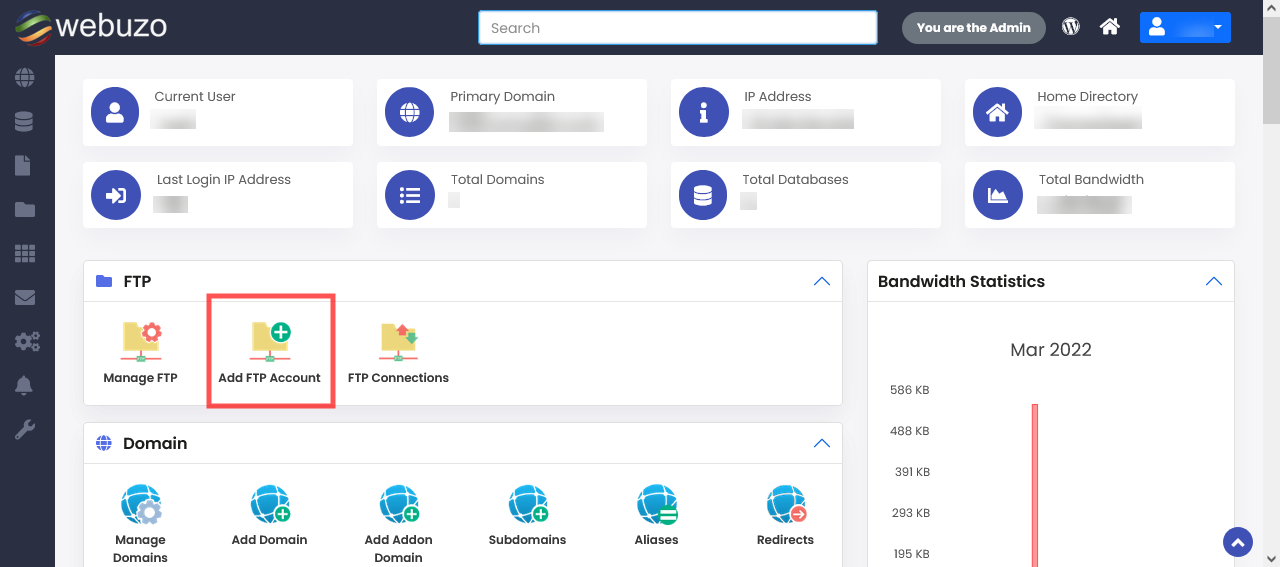
STEPS :
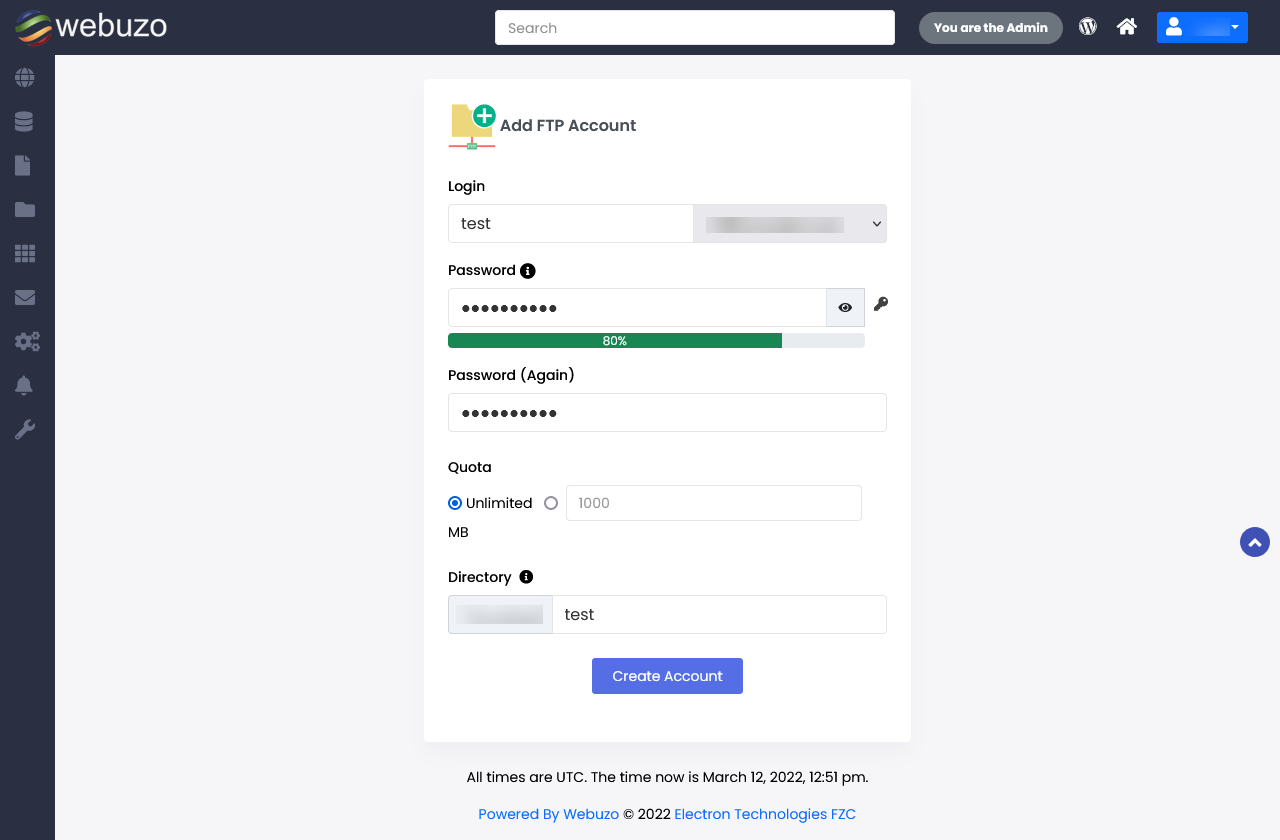
- Populate the Form with the details of the FTP user to CREATE.
- Click on Add FTP Account to create a FTP User.
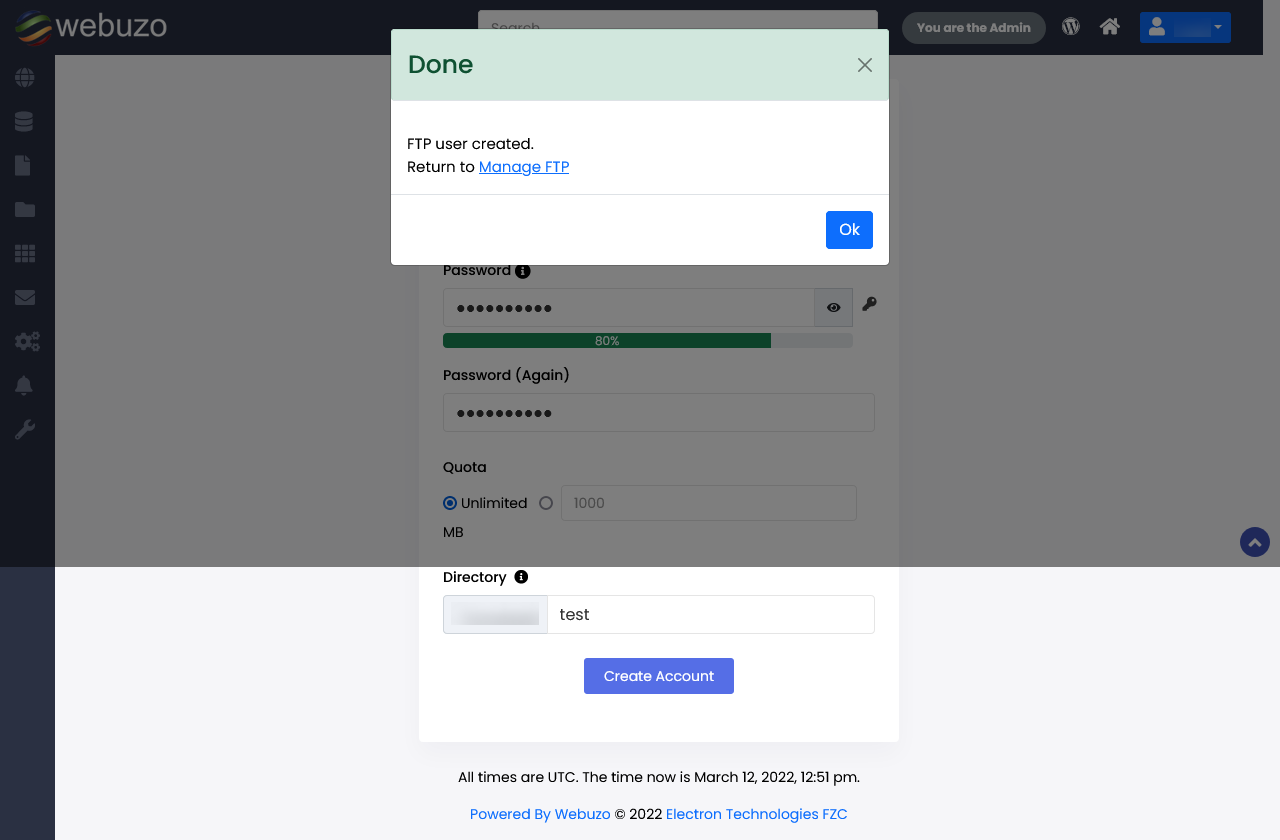
- FTP account will be created successfully
Required Inputs
- Login - Login username for the FTP user.
- Password - Corresponding Password for the FTP user.
- Quota - (in MB) Specify the Quota for the FTP user, Default is UNLIMITED.
- Directory - Specify the directory accessible to the FTP user.