
Overview
This guide will show you how to install a WordPress site.
Install
Go to Webuzo End User Panel, on the top right corner click on the WordPress logo.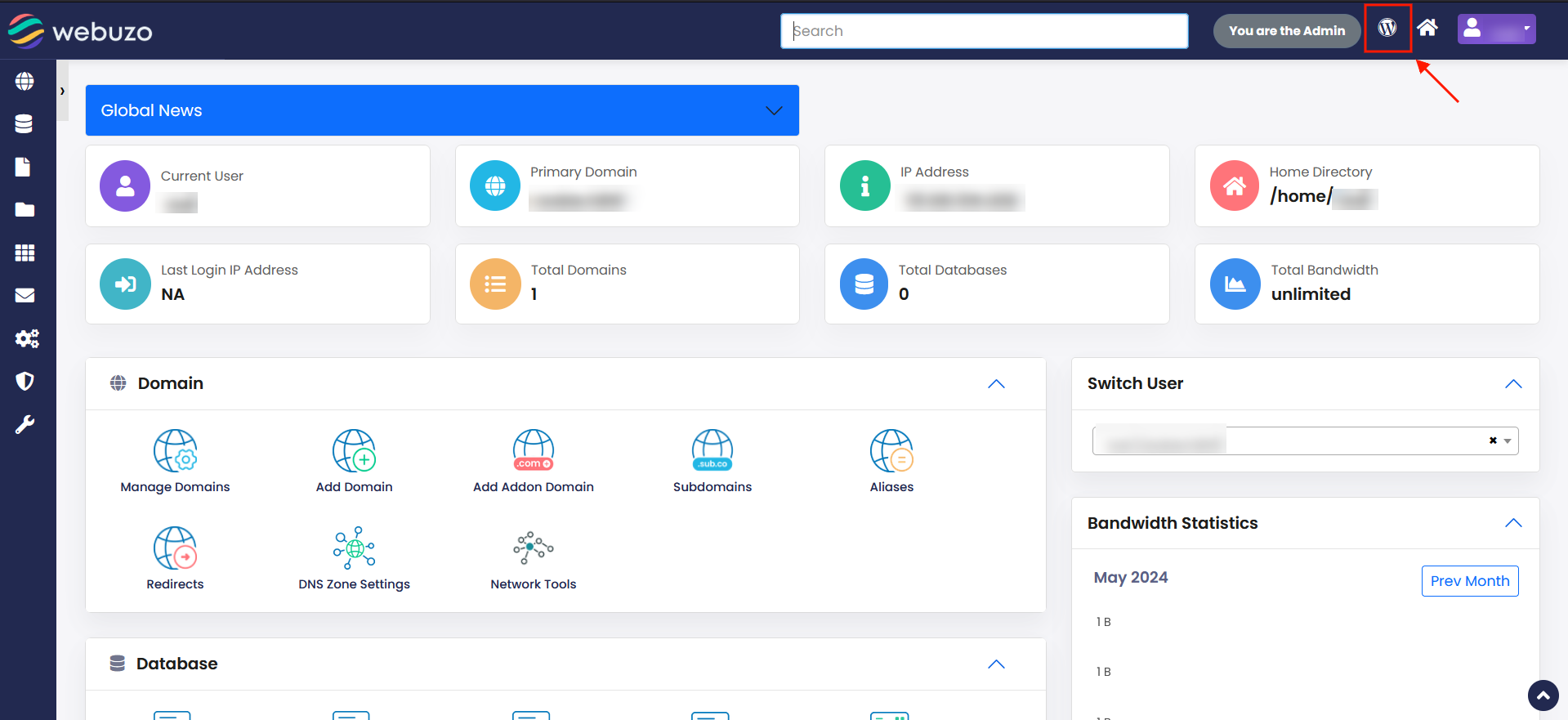
This will take you to the WordPress manager.
Click on Install and select the domain from dropdown list and fill the directory in which you want to install a WordPress site.
Add Admin account details like Username, Password and Email address and at the bottom click on install.
After Successful Installation you will get URL for WordPress Admin and WordPress Site.